Remote Email Access - How do I View my Emails Remotely?
To access your emails remotely, you can utilize webmail by logging in through your browser. You can access your email in a web browser like Microsoft Edge, Safari, Google Chrome, or Firefox, this allows you to read and send messages using a web page offered by Web Design Labs.
Please follow the below steps. Links are provided as well.
Direct Admin Server : https://server01.eazyhost.net/roundcube
Plesk Panel : https://winsvrmail04.hostserv.co.za/interface/root
Direct Admin Server (Roundcube)
- Please browse link on any browser, you will see the login screen.
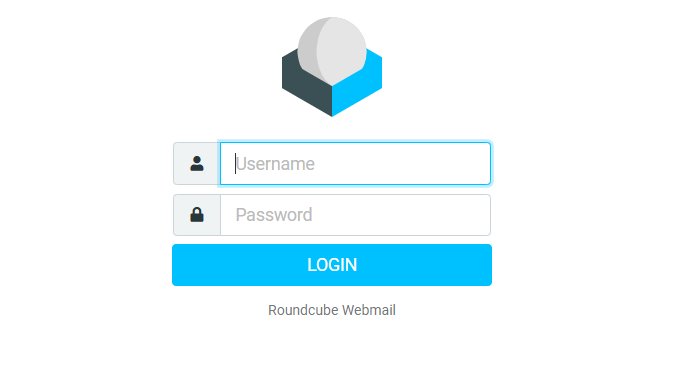
2). Please type your email address and password.
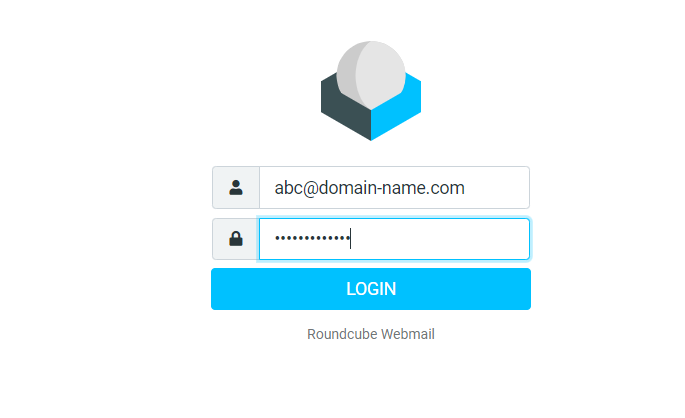 3). You will be logged in now and you can read/reply to Emails.
Plesk Server (SmarterMail)
- Please use “https://winsvrmail04.hostserv.co.za/interface/root “ to access webmail. The login Page will be displayed.
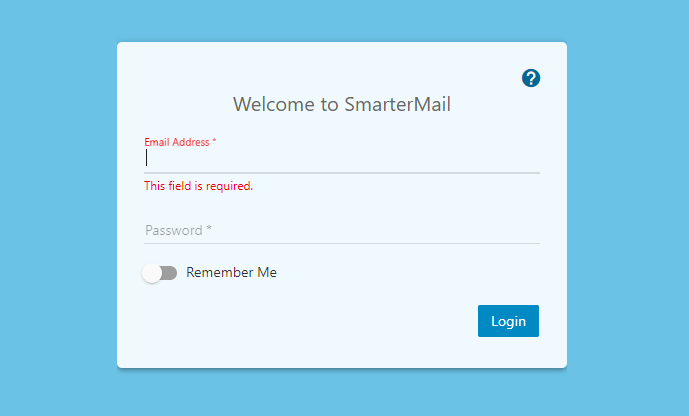
2). Kindly Type your Email address and password.
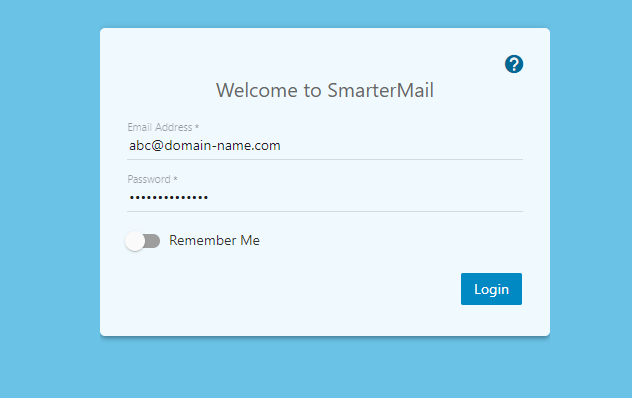
3). Now you will be able to read/reply to your Emails.